> ## Documentation Index
> Fetch the complete documentation index at: https://docs.vos.verolabs.co/llms.txt
> Use this file to discover all available pages before exploring further.
# Khôi phục tài khoản
> Khôi phục truy cập Vero OMS bằng mã dùng một lần
Dùng account recovery khi không thể đăng nhập bằng password hiện tại.
 ## Quy trình khôi phục
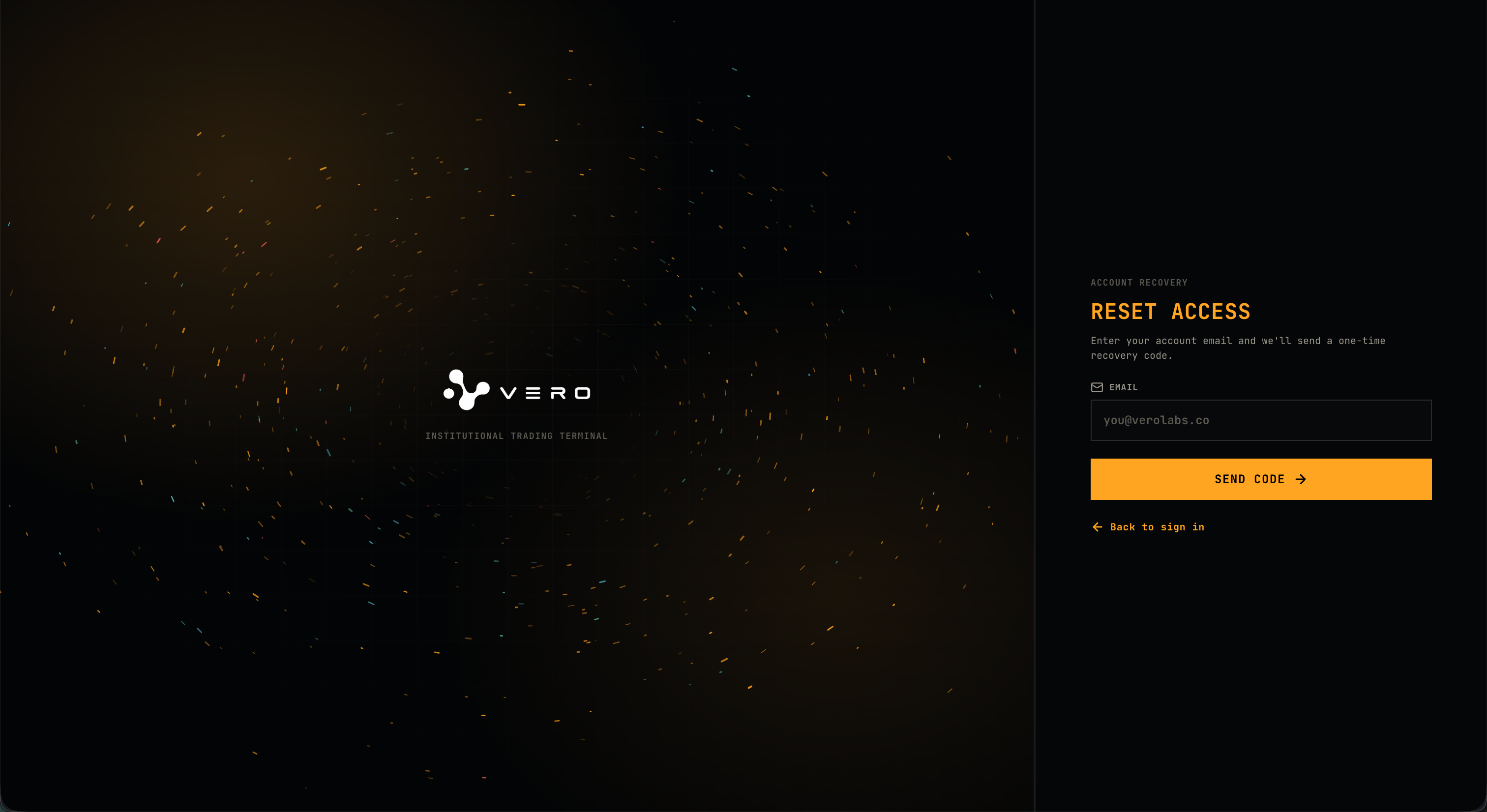
Nhập email liên kết với tài khoản Vero OMS rồi chọn **Send Code**.
Lấy one-time recovery code được gửi tới email tài khoản.
Nhập code rồi chọn **Verify & Continue**.
Code hợp lệ sẽ khôi phục truy cập và mở application workspace.
## Controls và states
| Control hoặc state | Hành vi |
| ----------------------- | ---------------------------------------------------- |
| Send Code | Yêu cầu one-time code cho email đã nhập. |
| Verify & Continue | Xác minh code do user nhập. |
| Use a different email | Quay lại bước nhập email. |
| Back to sign in | Quay lại trang [Đăng nhập](/vi/user-guides/sign-in). |
| Invalid or expired code | Nhập code còn hiệu lực hoặc yêu cầu code mới. |
## Quy trình khôi phục
Nhập email liên kết với tài khoản Vero OMS rồi chọn **Send Code**.
Lấy one-time recovery code được gửi tới email tài khoản.
Nhập code rồi chọn **Verify & Continue**.
Code hợp lệ sẽ khôi phục truy cập và mở application workspace.
## Controls và states
| Control hoặc state | Hành vi |
| ----------------------- | ---------------------------------------------------- |
| Send Code | Yêu cầu one-time code cho email đã nhập. |
| Verify & Continue | Xác minh code do user nhập. |
| Use a different email | Quay lại bước nhập email. |
| Back to sign in | Quay lại trang [Đăng nhập](/vi/user-guides/sign-in). |
| Invalid or expired code | Nhập code còn hiệu lực hoặc yêu cầu code mới. |