> ## Documentation Index
> Fetch the complete documentation index at: https://docs.vos.verolabs.co/llms.txt
> Use this file to discover all available pages before exploring further.
# Put Through
> Put Through page visual reference and component documentation
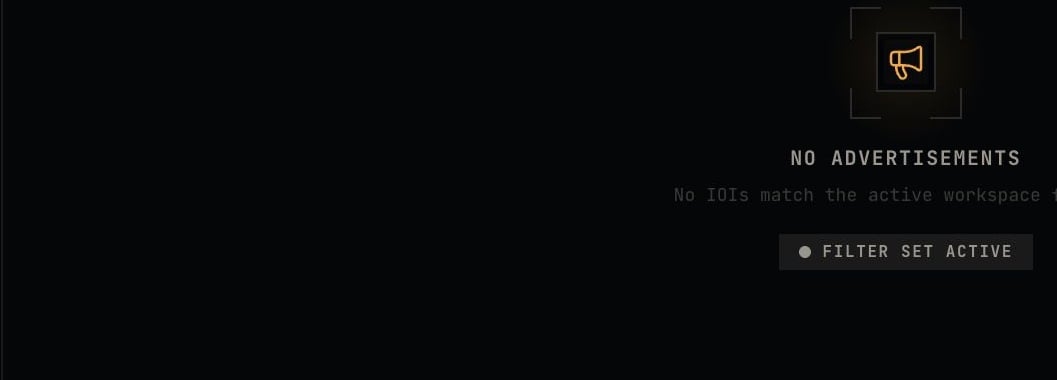
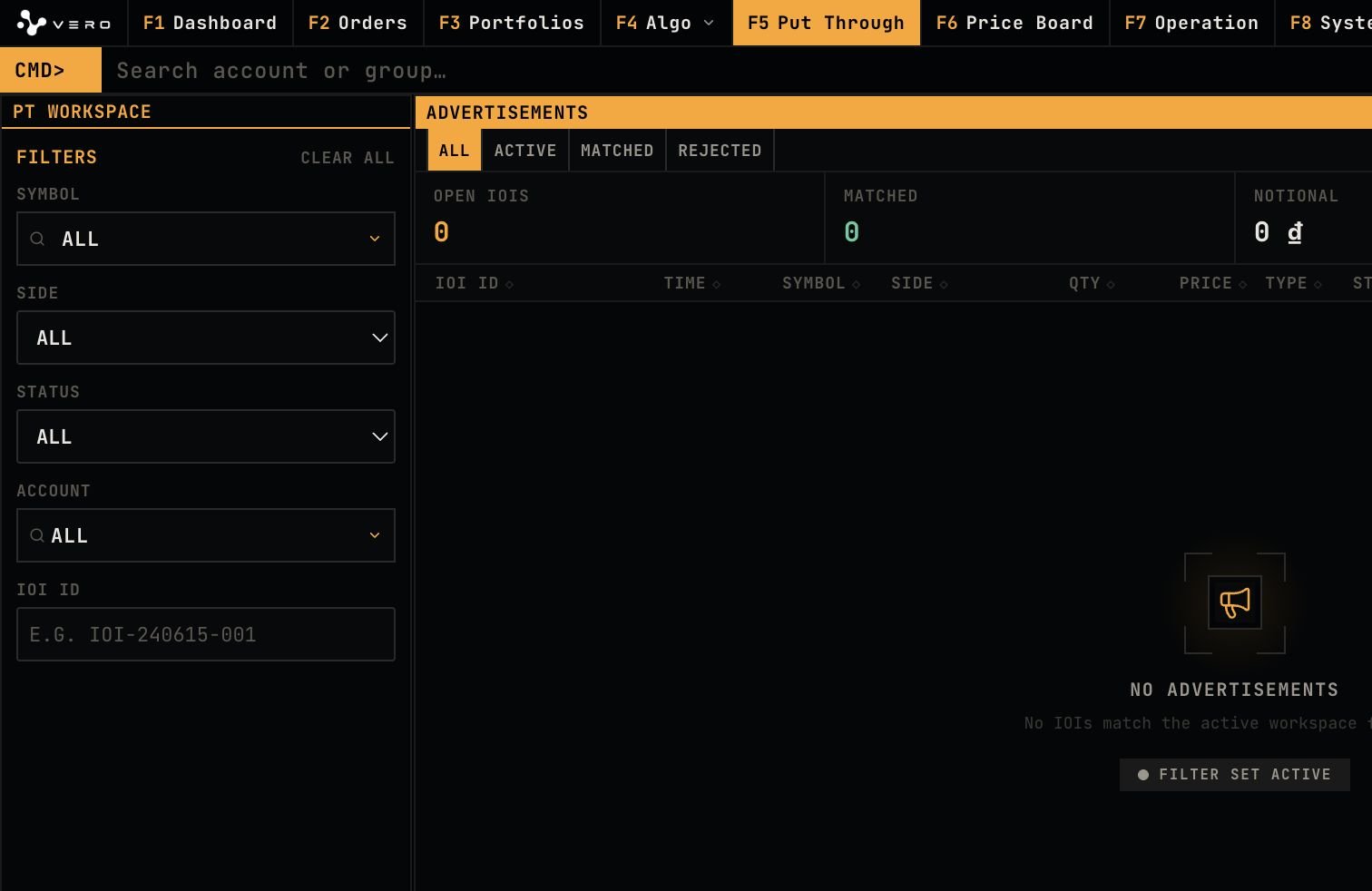
Put Through is the workspace for PT intent filtering, advertisement review, and PT order tracking.
## Full page
 ## PT Workspace Filters
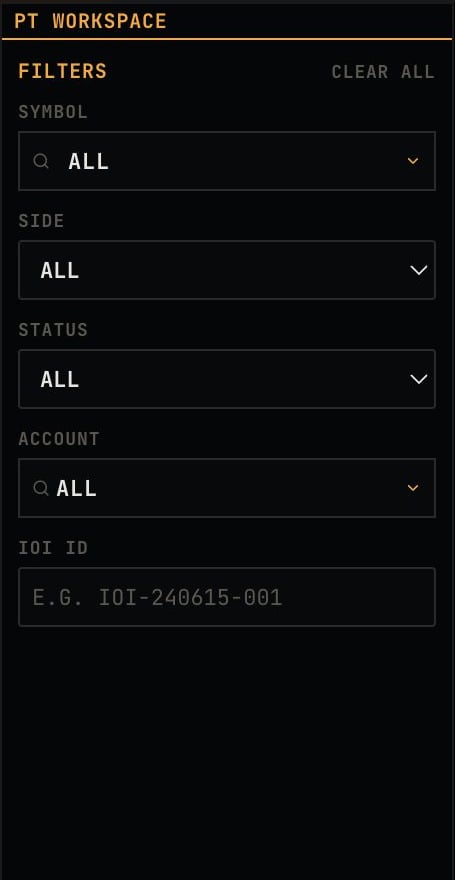
The filter sidebar contains symbol, side, status, account, and IOI ID controls.
## PT Workspace Filters
The filter sidebar contains symbol, side, status, account, and IOI ID controls.
 ## Advertisements
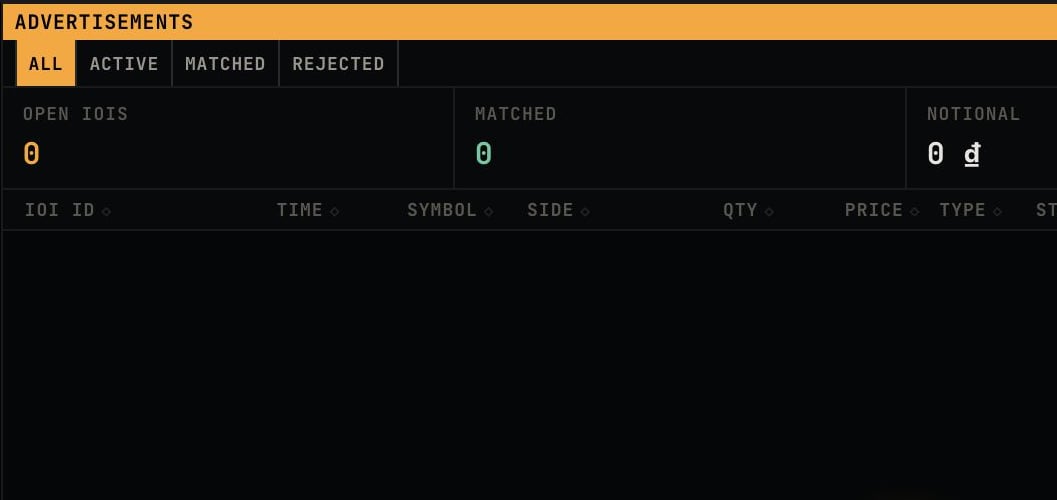
The advertisements area displays status tabs, open IOI count, matched count, and notional context.
## Advertisements
The advertisements area displays status tabs, open IOI count, matched count, and notional context.
 ## PT Orders
The PT orders area displays the put-through order queue after filters return matching data.
## PT Orders
The PT orders area displays the put-through order queue after filters return matching data.