> ## Documentation Index
> Fetch the complete documentation index at: https://docs.vos.verolabs.co/llms.txt
> Use this file to discover all available pages before exploring further.
# Orders
> Orders page visual reference and component documentation
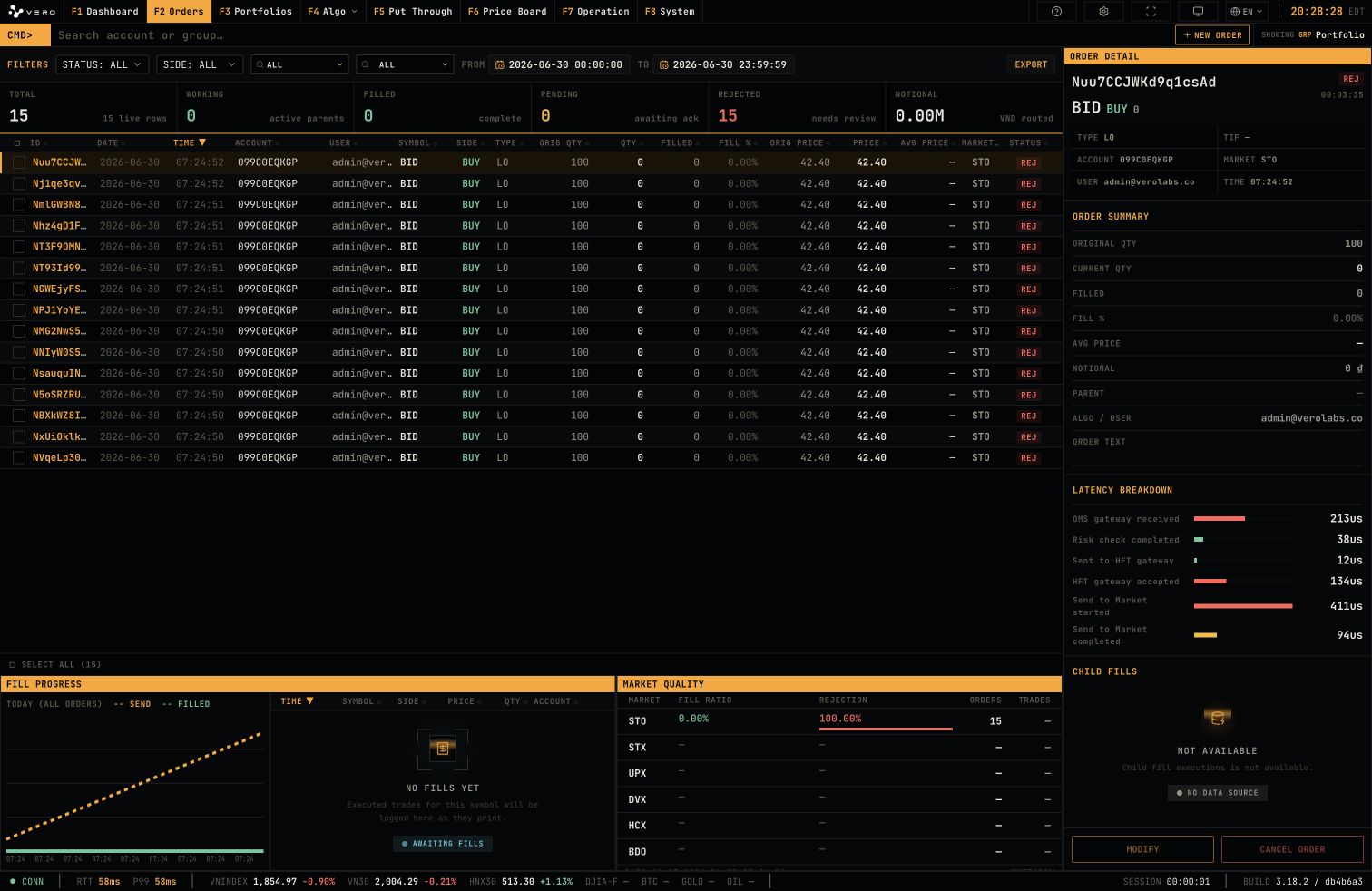
Orders is the workspace for monitoring order state, fills, latency, and market quality.
## Full page
 ## Order Blotter
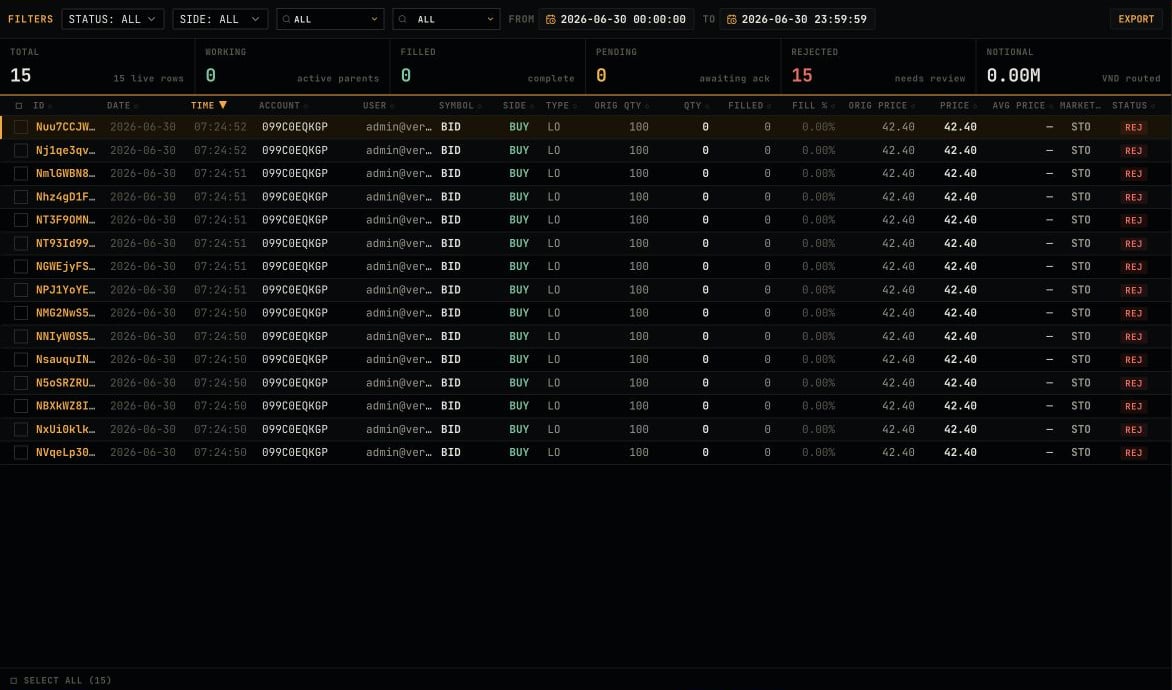
The Orders blotter lists account, symbol, side, quantity, price, status, and timing context for each order.
## Order Blotter
The Orders blotter lists account, symbol, side, quantity, price, status, and timing context for each order.
 ## Order Detail
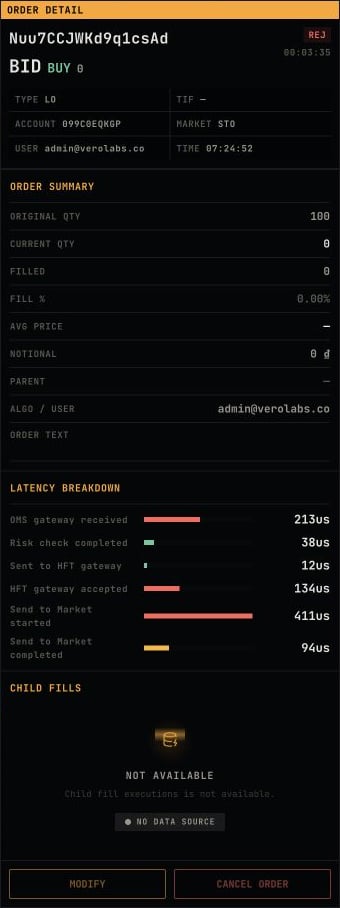
The right-side detail panel displays order summary, latency breakdown, child fills, and actions for the selected order.
## Order Detail
The right-side detail panel displays order summary, latency breakdown, child fills, and actions for the selected order.
 ## Market Quality
The bottom area displays fill progress and market quality by market.
## Market Quality
The bottom area displays fill progress and market quality by market.
